基于Web的酒店客房管理系统的设计与实现+论文+开题
课时介绍
课程介绍
博主介绍:✌在职Java研发工程师、专注于程序设计、源码分享、技术交流、专注于Java技术领域和毕业设计✌
项目名称
基于Web的酒店客房管理系统的设计与实现
系统说明
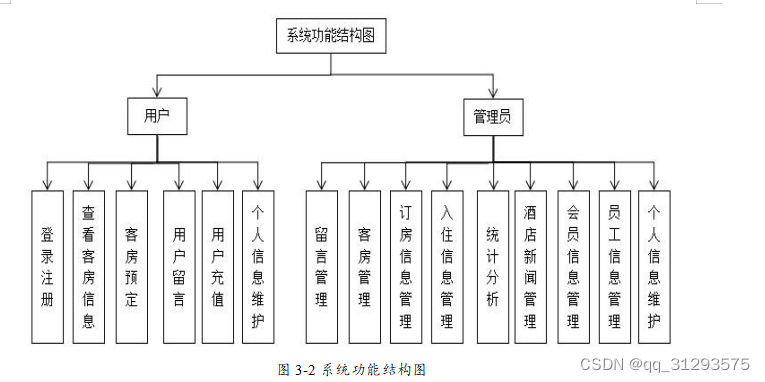
3.2.1 用户模块功能分析
前台模块应主要包括用户登录模块、用户注册模块、查看客房信息模块、客房预定 模块、用户留言模块、充值模块和个人信息维护模块。
用户登录模块:用户通过输入注册的的账号和密码,然后进行身份验证,匹配成功 后实现登录功能。
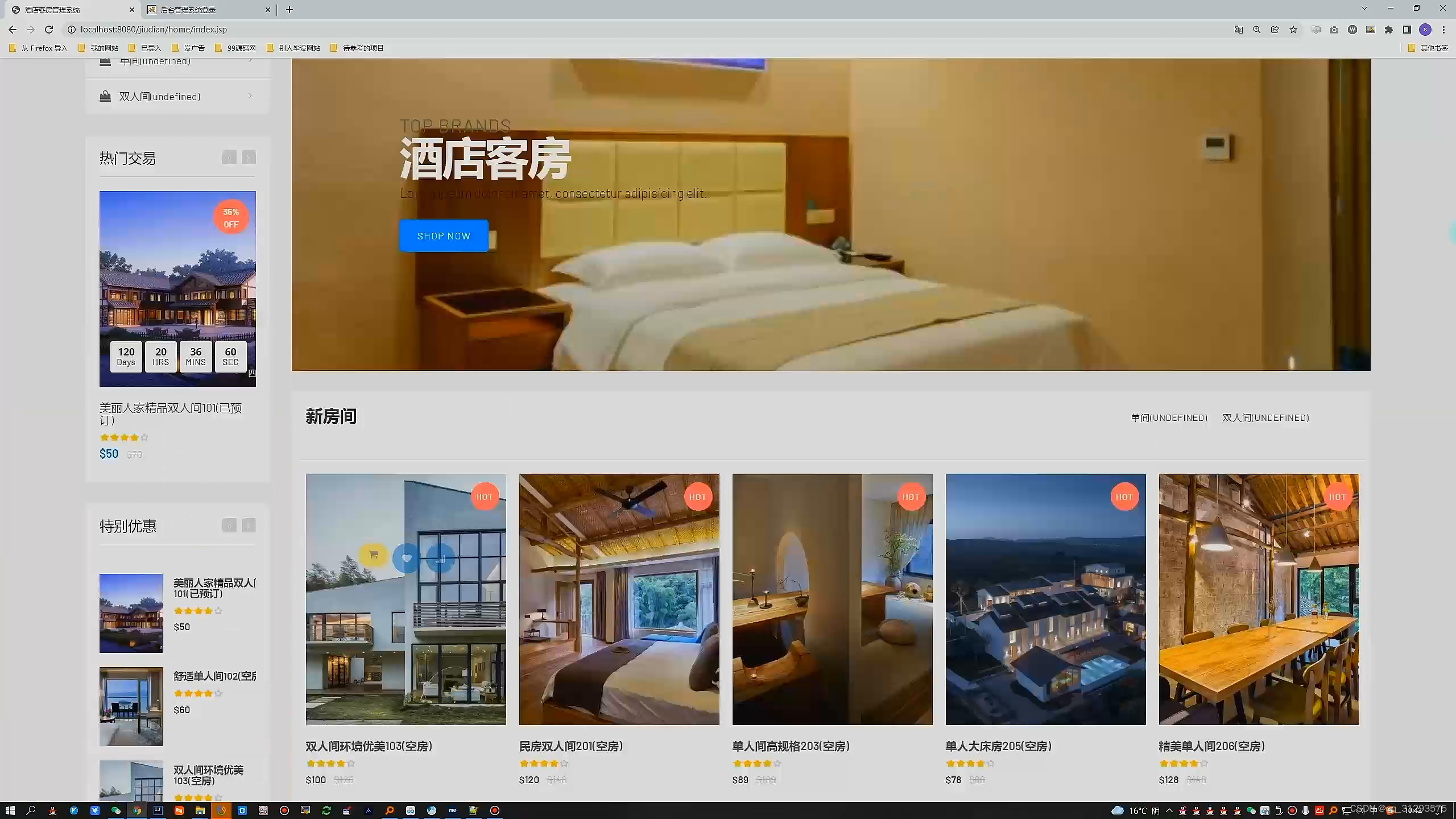
用户注册模块:用户输入合法的账号和密码可以实现注册功能。 查看客房信息模块:用户可以通过首页查看客房的价格,图片,详情等信息,从而
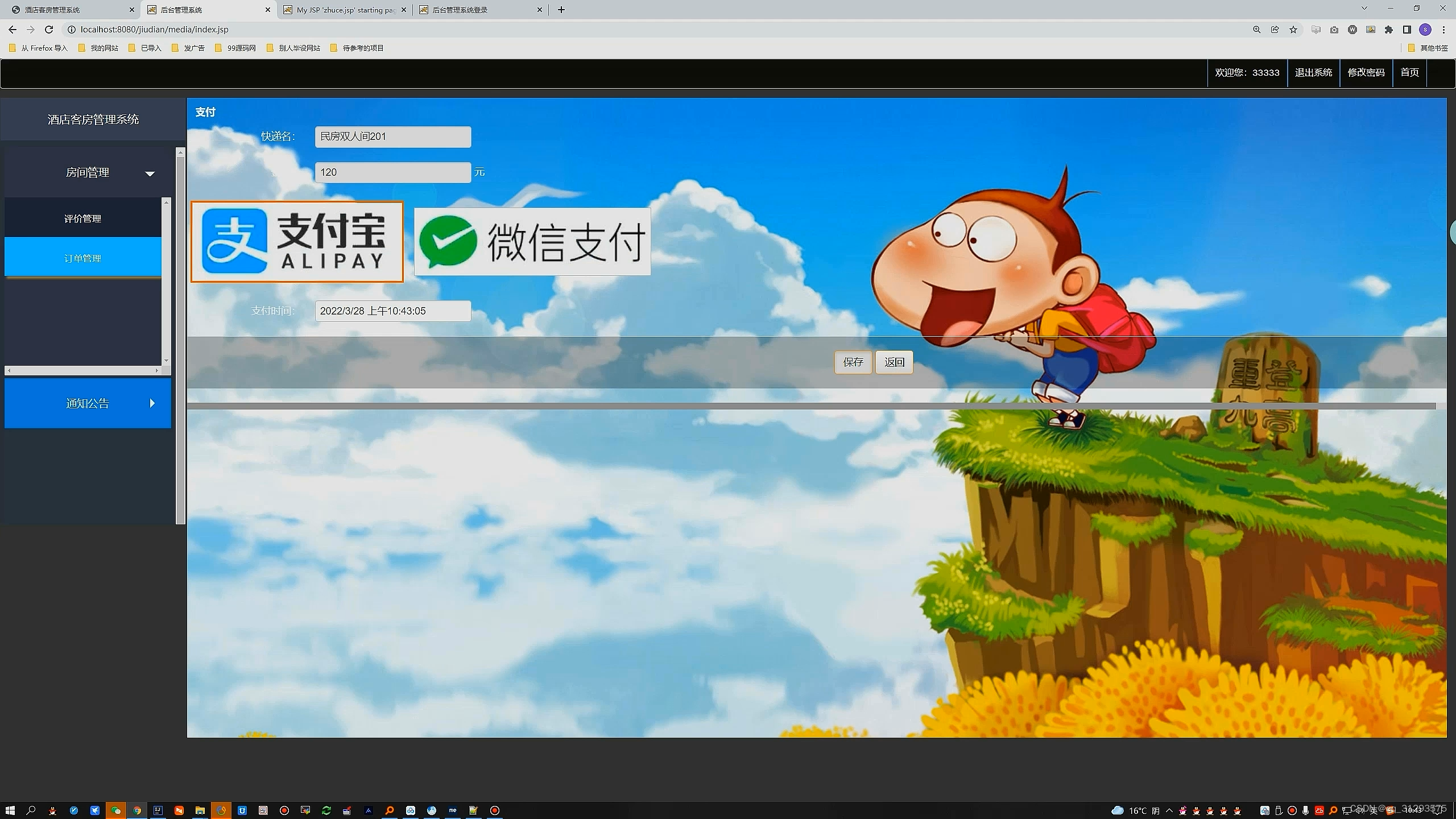
可以选择想要预定的房间。 客房预定模块:用户选择自己想要预定的客房后,可以通过输入相关信息进行订房操作。
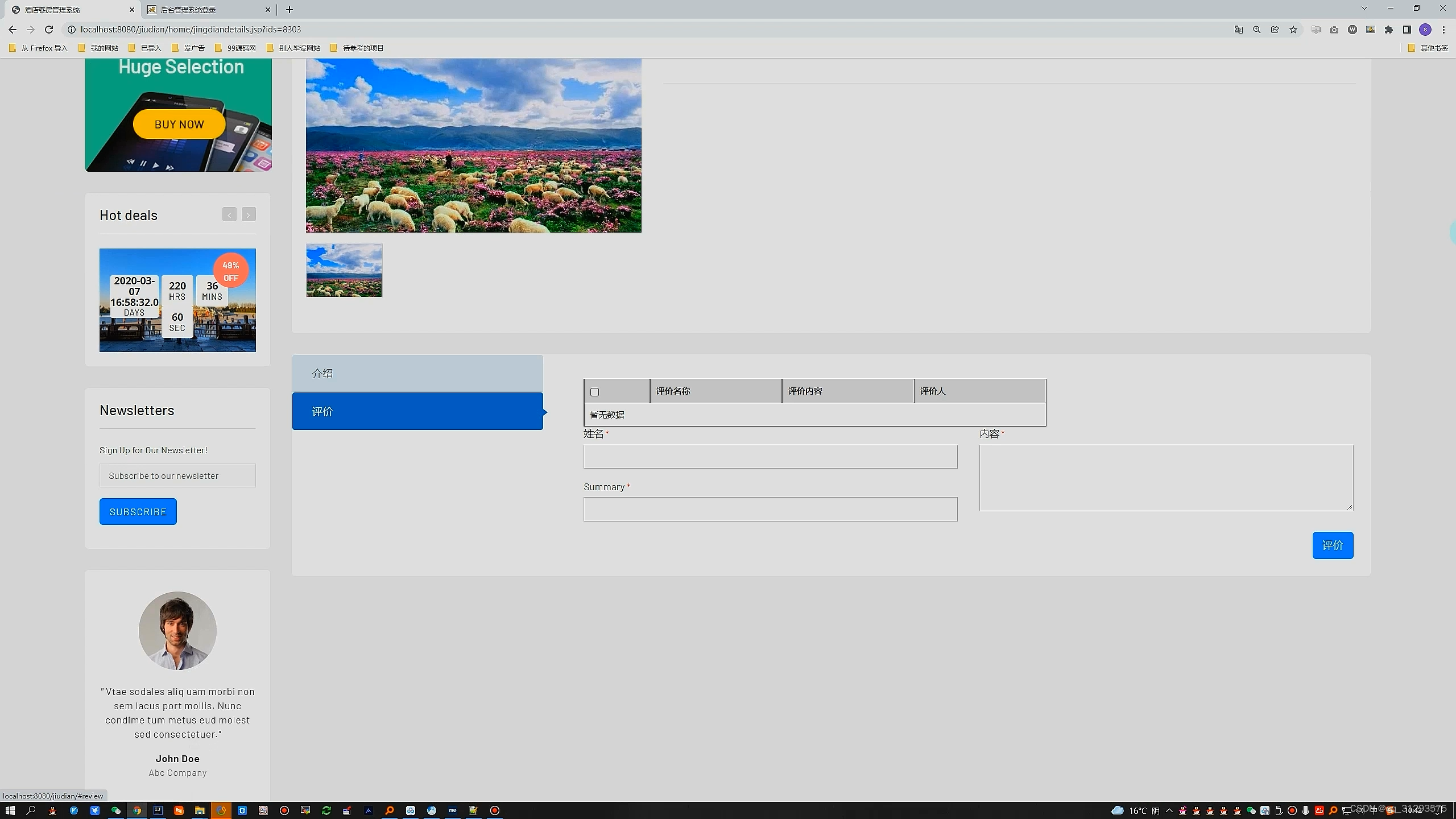
用户留言模块:用户可以向管理员发送留言。 充值模块:用户可以通过添加银行卡再为自己进行充值操作。 个人信息维护模块:用户可以修改自己的姓名、密码、身份证号等信息,还可以查看自己的订单。
3.2.2 管理员模块功能分析
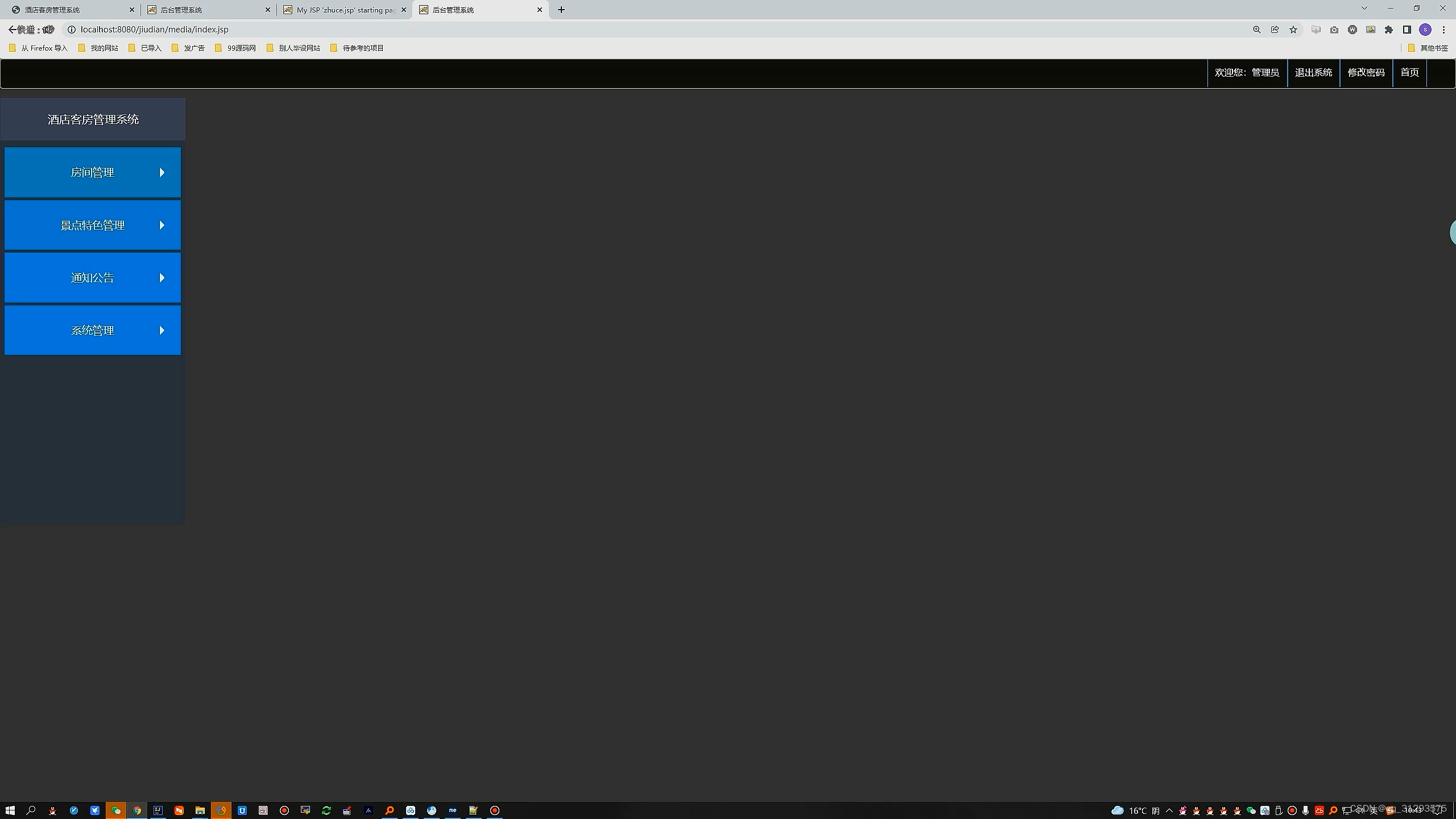
对于管理员而言,一个好的管理系统总是能让酒店的管理工作事半功倍[7]。管理员 能够通过这个系统对自己的酒店情况一目了然,应该包括客户留言模块、客房管理模 块、订房信息管理模块、入住信息管理模块、统计分析模块、酒店新闻管理模块、会 员信息管理模块、员工信息管理模块、系统用户管理模块、个人信息维护模块。
客户留言模块:管理员可以查看并回复用户的留言。
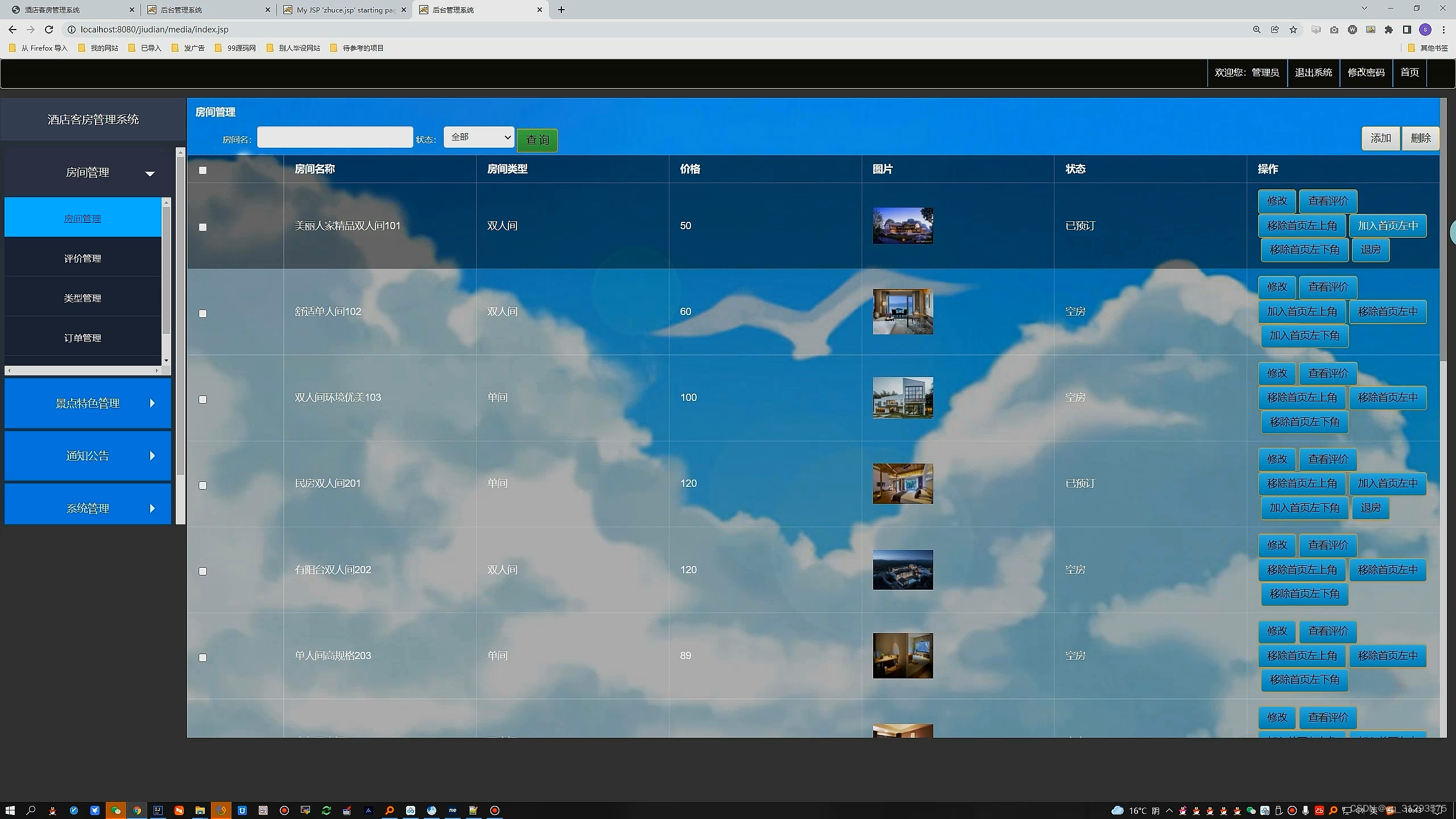
客房管理模块:管理员可以管理客房信息,可以添加新的客房,删除已经停用的客房信息,还可以修改现有的客房信息。
订房信息管理模块:管理员可以处理用户的订房请求,为用户办理入住手续。
入住信息管理模块:对于没有注册的线下客户,也可以办理入住手续。
统计分析模块:可以对酒店所有的入住信息进行记录和总结分析。
酒店新闻管理模块:管理员可以更新网站上的新闻公告,展示图片等信息。
会员信息管理模块:管理员可以查看到所有的注册会员信息,可以对会员信息进行删除,修改,添加操作。
员工信息管理模块:管理员可以查看到自己公司所有的员工信息,而且还可以对员
工的相关信息进行管理。
系统用户管理模块:管理员可以查看到所有的系统管理员信息并对管理员信息进行
管理。
个人信息维护模块:管理员可以更改自己的登录密码或者是姓名、性别、手机号等 相关个人信息。

环境需要
1.运行环境:最好是java jdk 1.8,我们在这个平台上运行的。其他版本理论上也可以。
2.IDE环境:IDEA,Eclipse,Myeclipse都可以。推荐IDEA;
3.tomcat环境:Tomcat 7.x,8.x,9.x版本均可
4.硬件环境:windows 7/8/10 1G内存以上;或者 Mac OS;
5.数据库:MySql 5.7版本;
6.是否Maven项目:否;
技术栈
1. 后端:Spring+SpringMVC+Mybatis
2. 前端:JSP+CSS+JavaScript+jQuery
使用说明
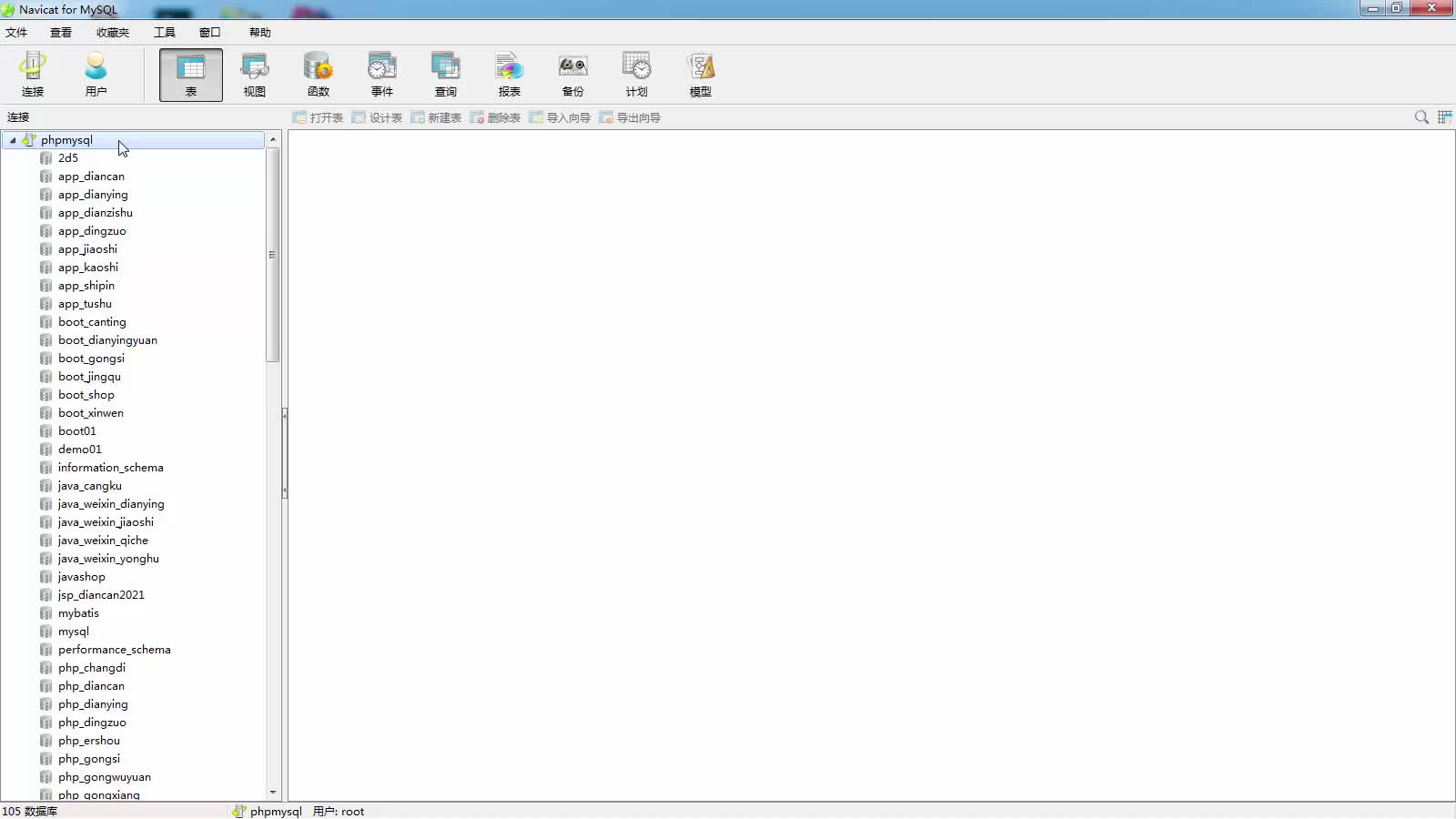
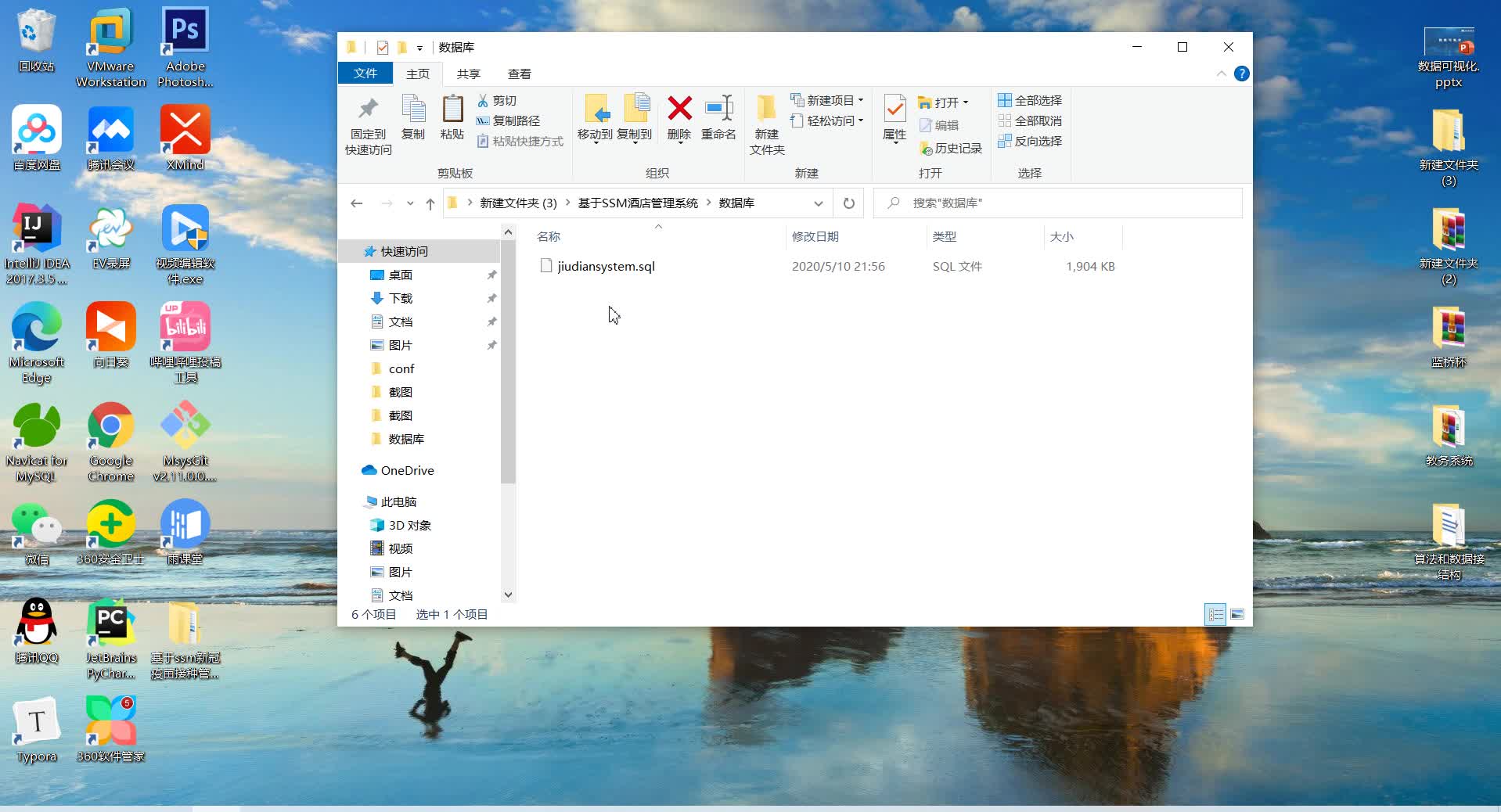
1. 使用Navicat或者其它工具,在mysql中创建对应名称的数据库,并导入项目的sql文件;
2. 使用IDEA/Eclipse/MyEclipse导入项目,Eclipse/MyEclipse导入时,若为maven项目请选择maven;
若为maven项目,导入成功后请执行maven clean;maven install命令,然后运行;
3. 将项目中springmvc-servlet.xml配置文件中的数据库配置改为自己的配置;
4. 运行项目,在浏览器中输入http://localhost:8080/ 登录
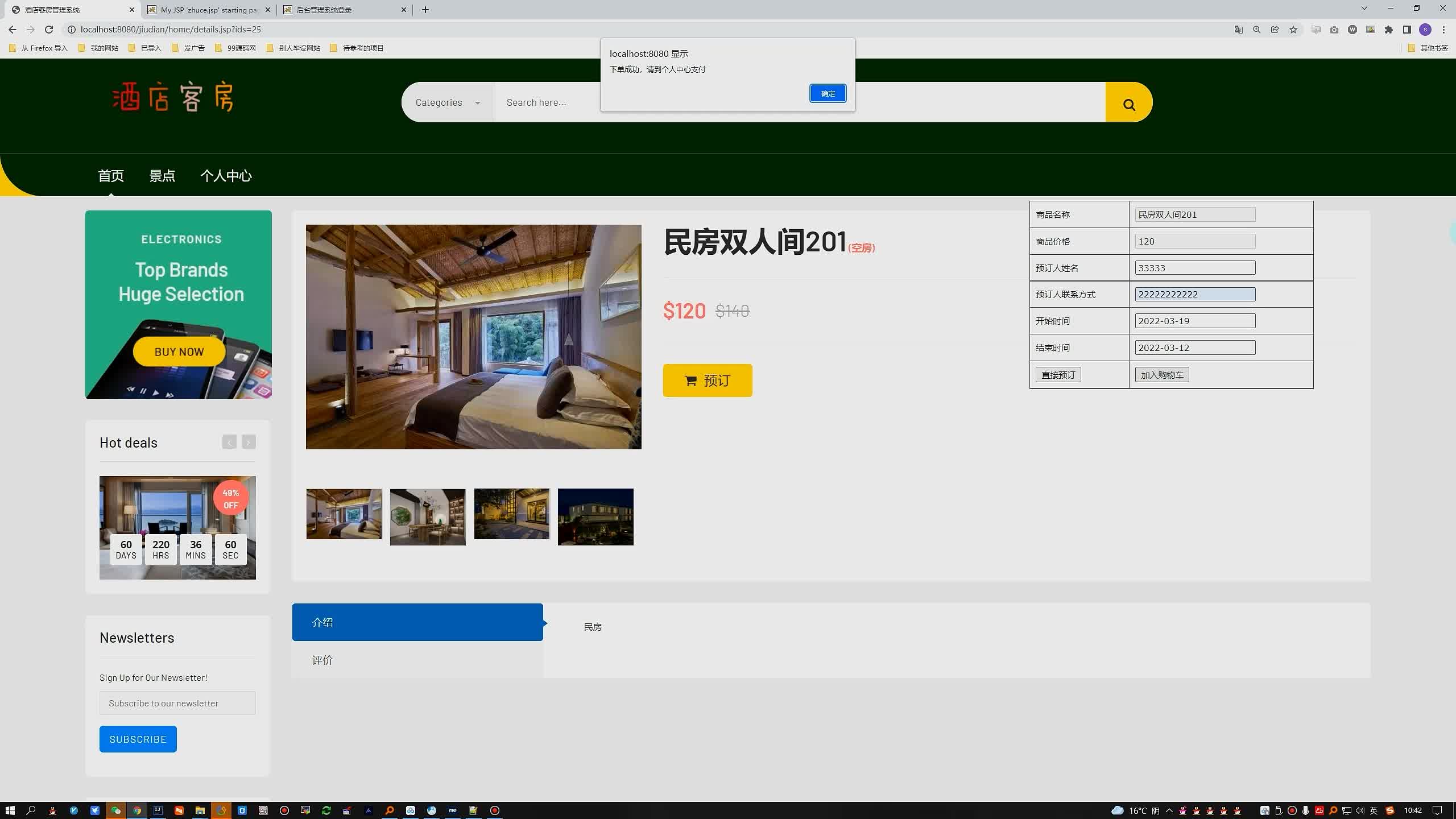
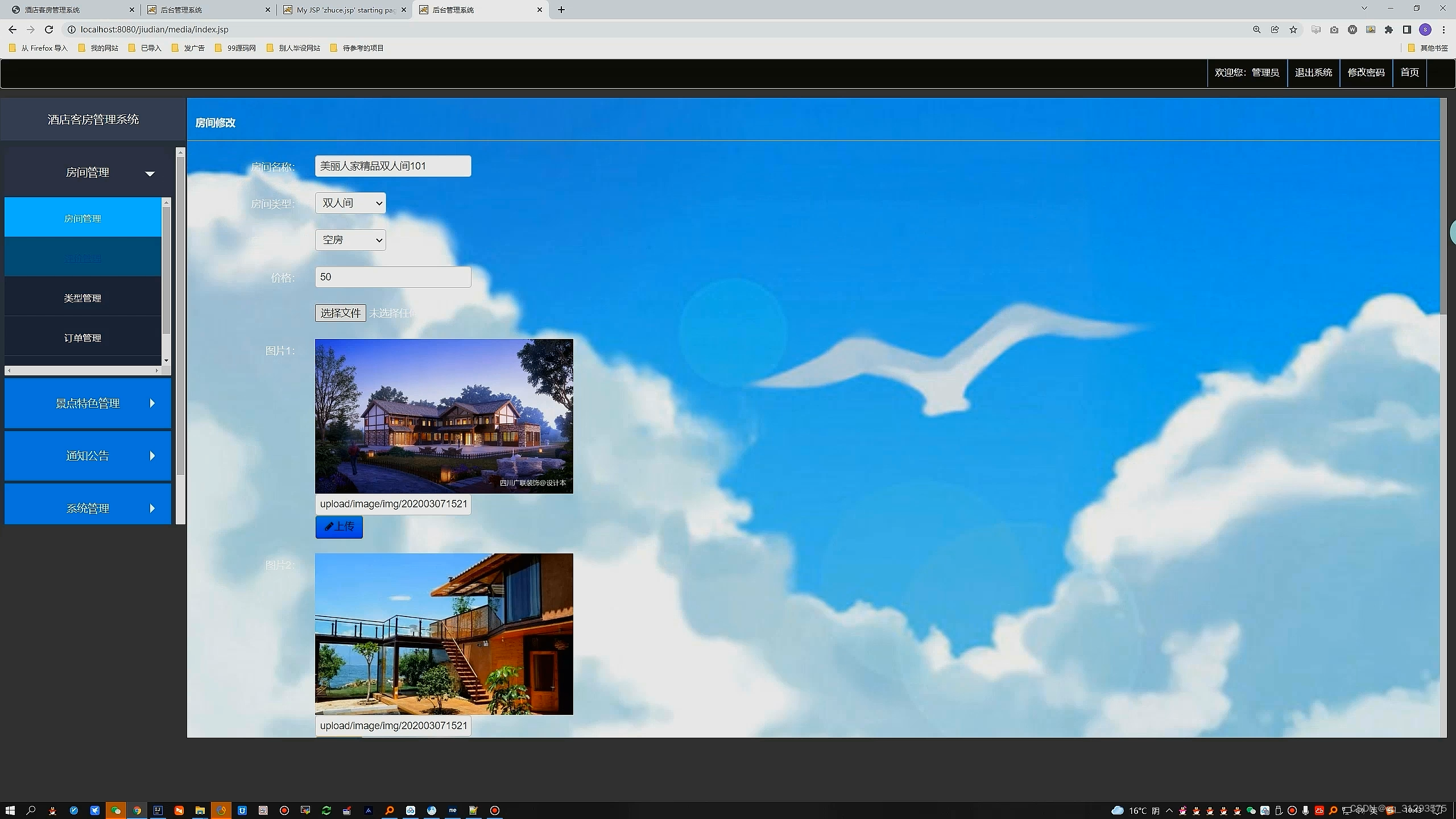
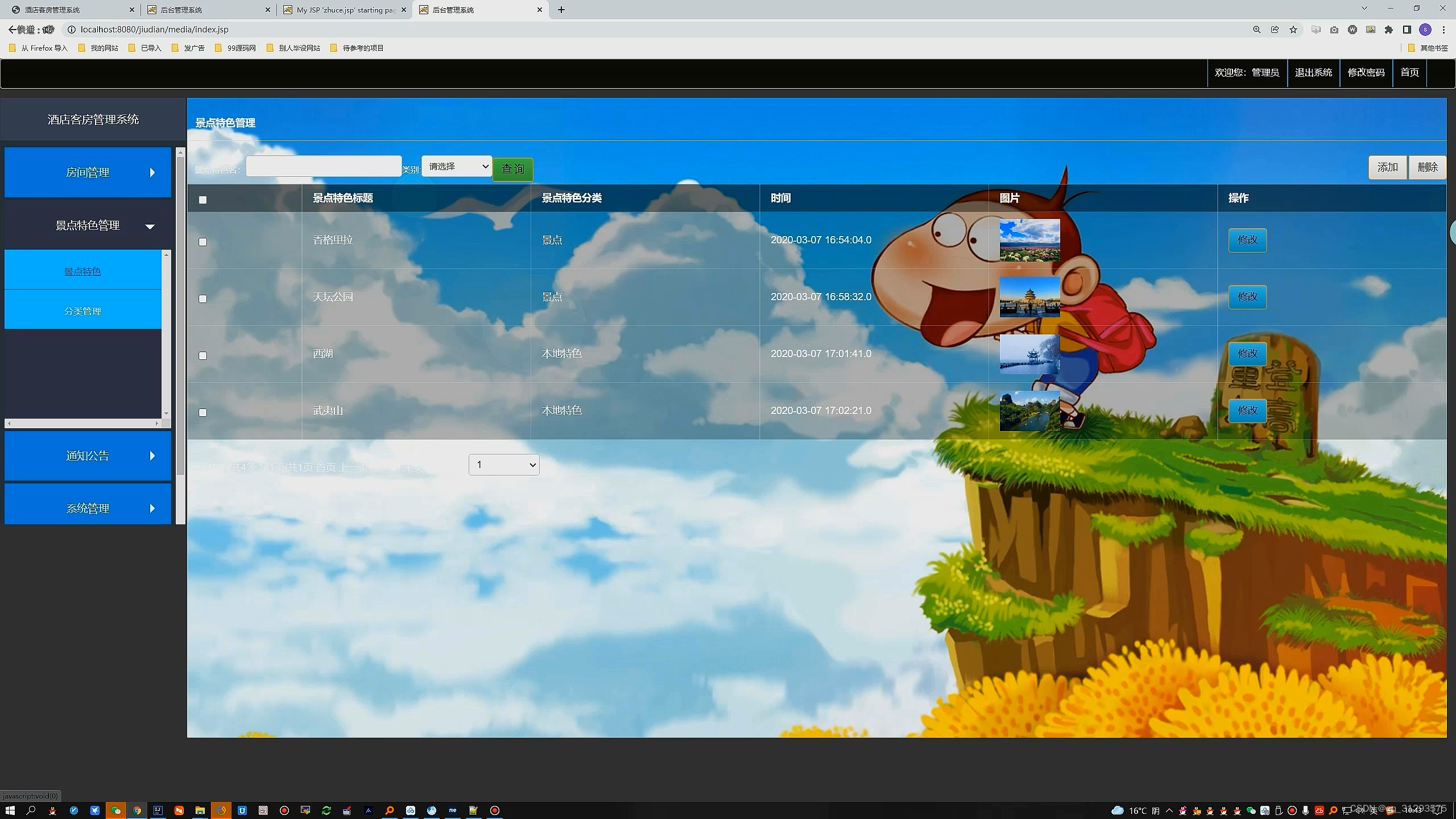
运行截图
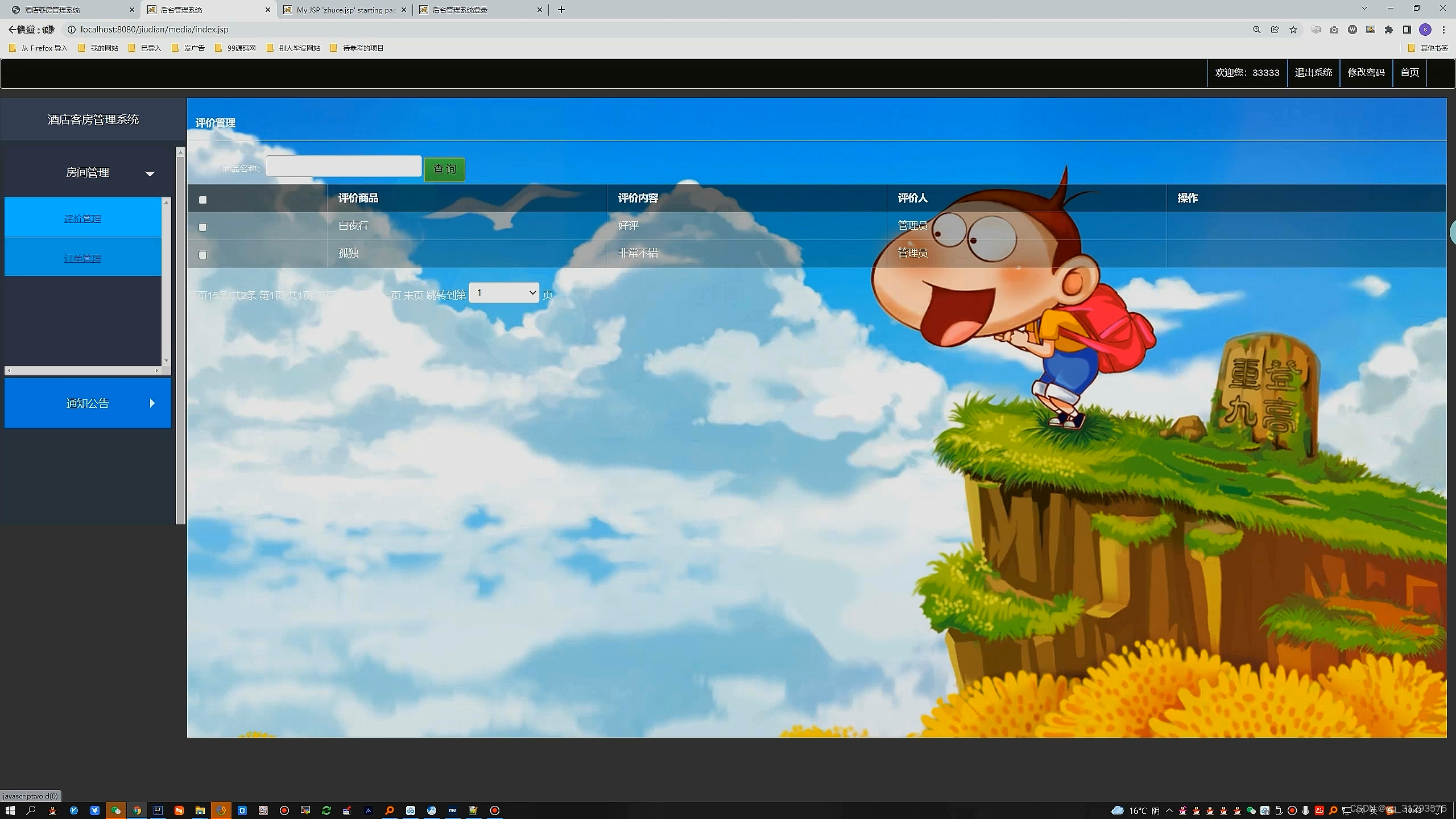
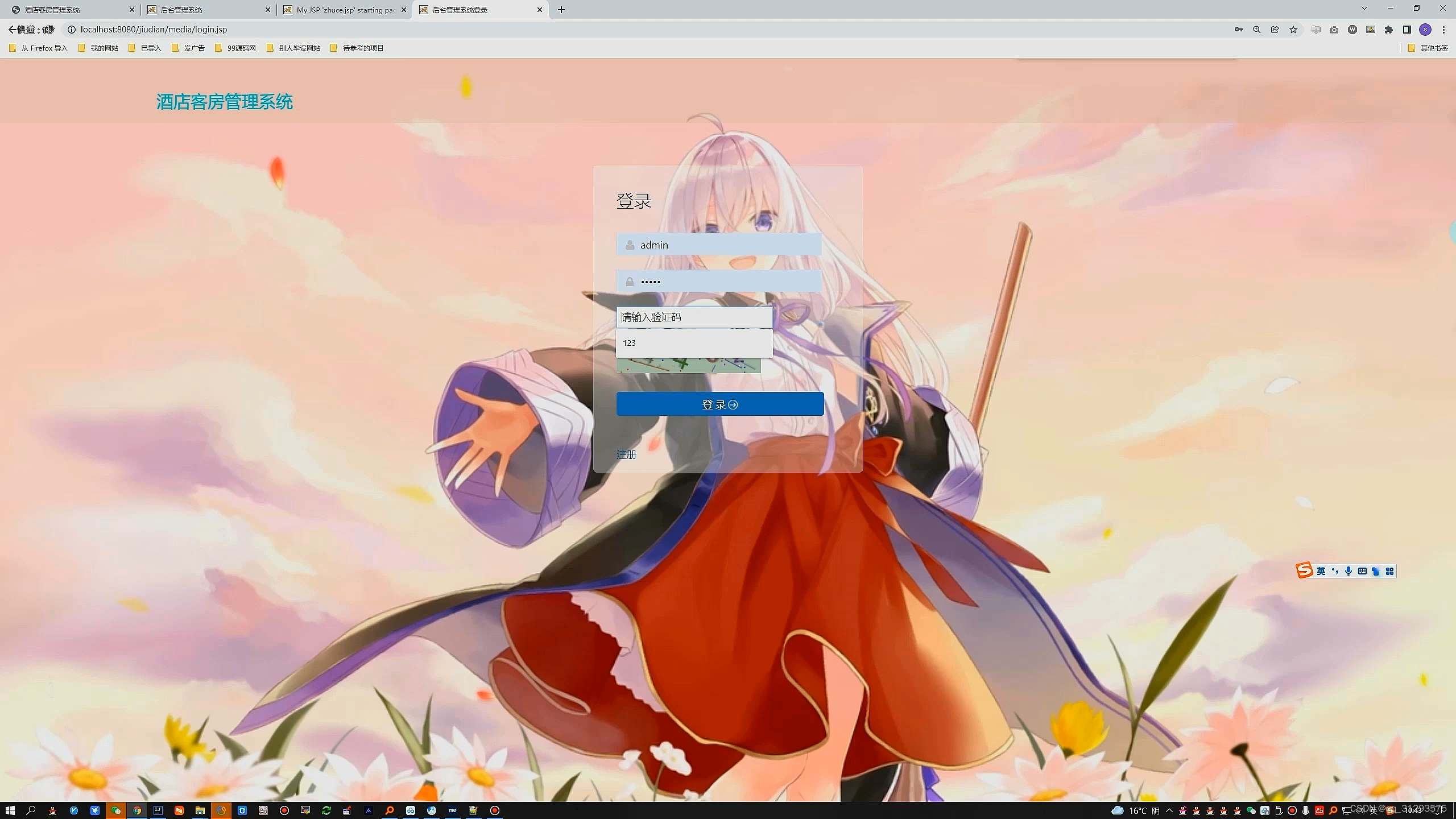
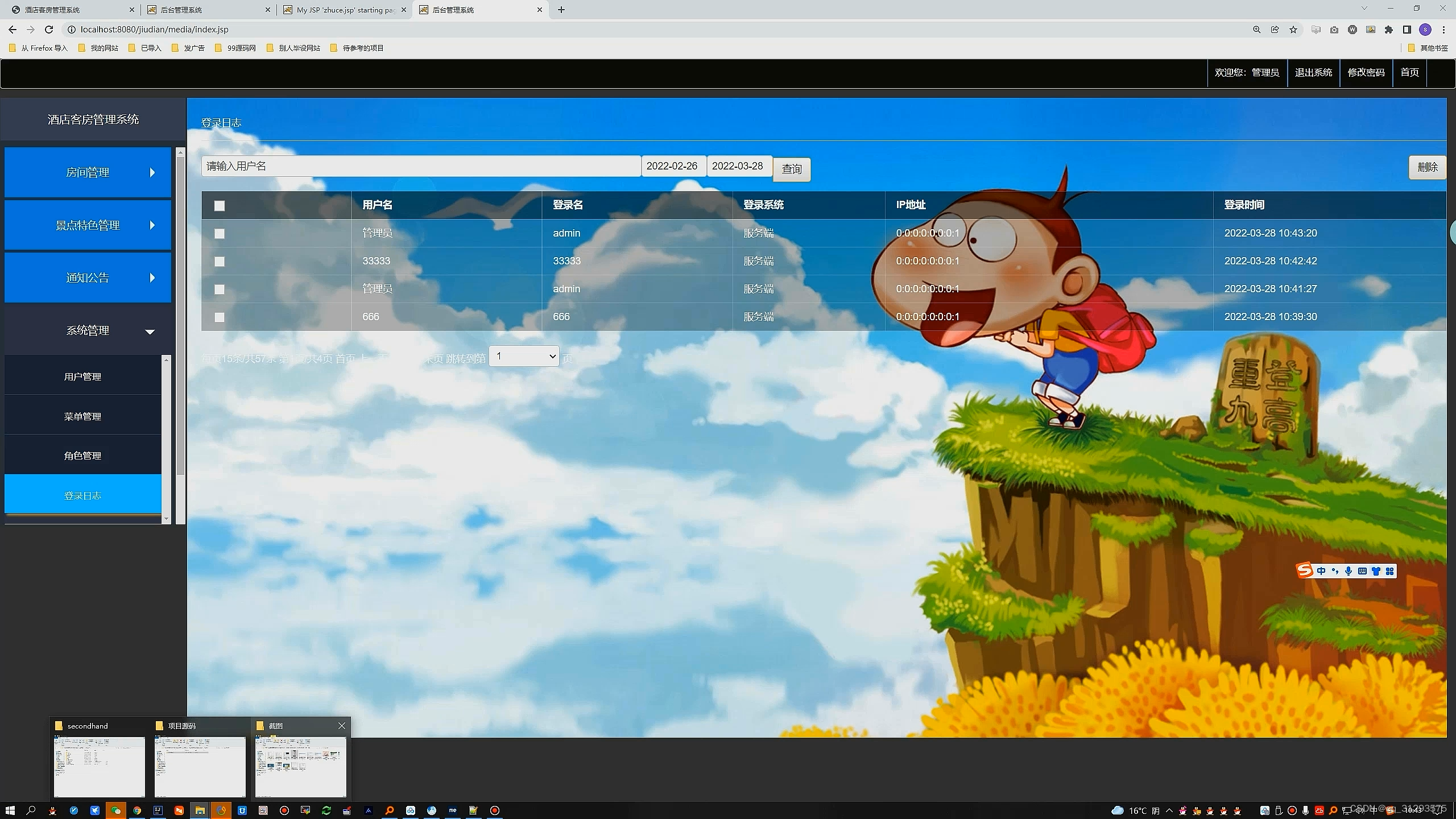
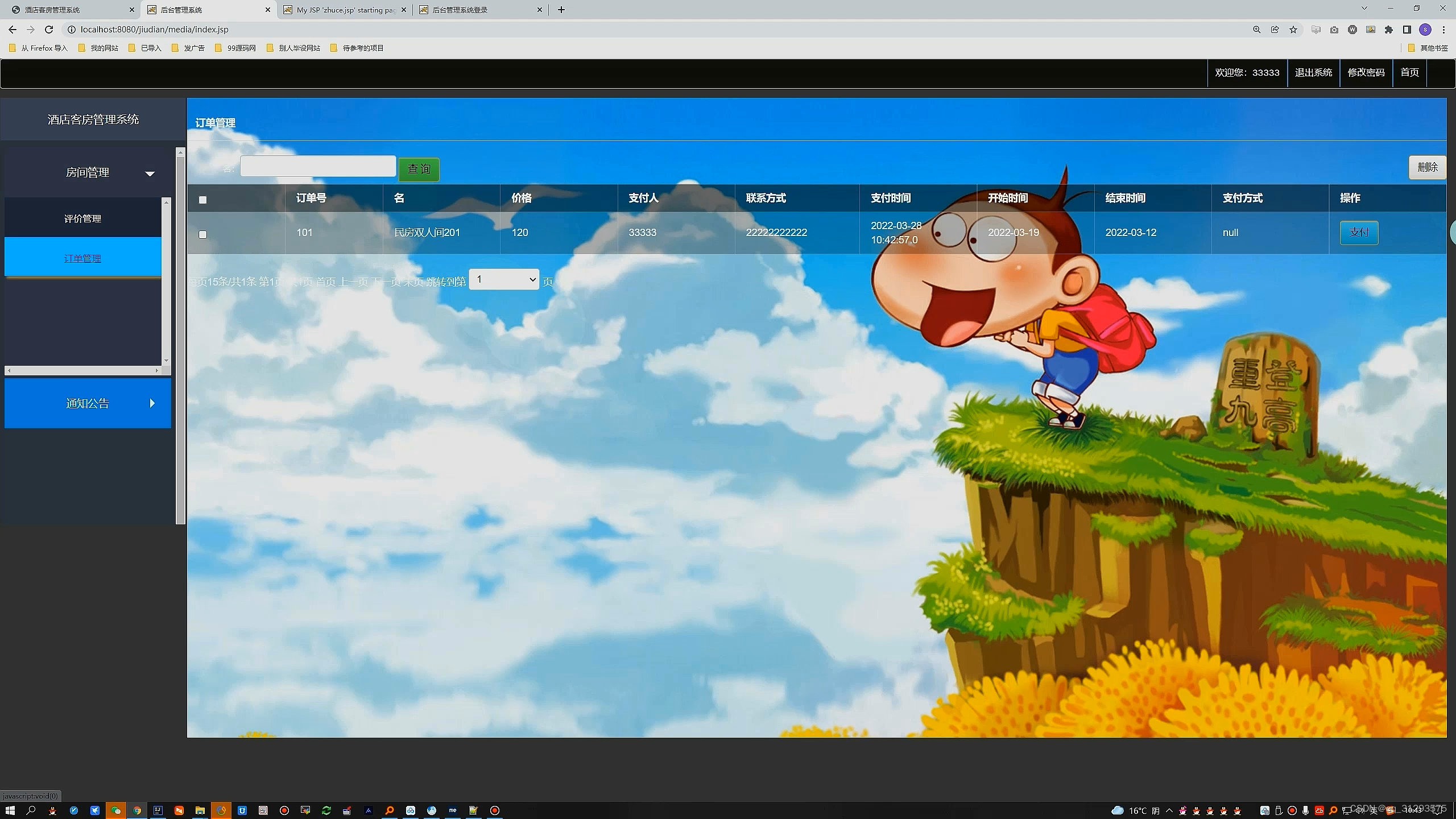
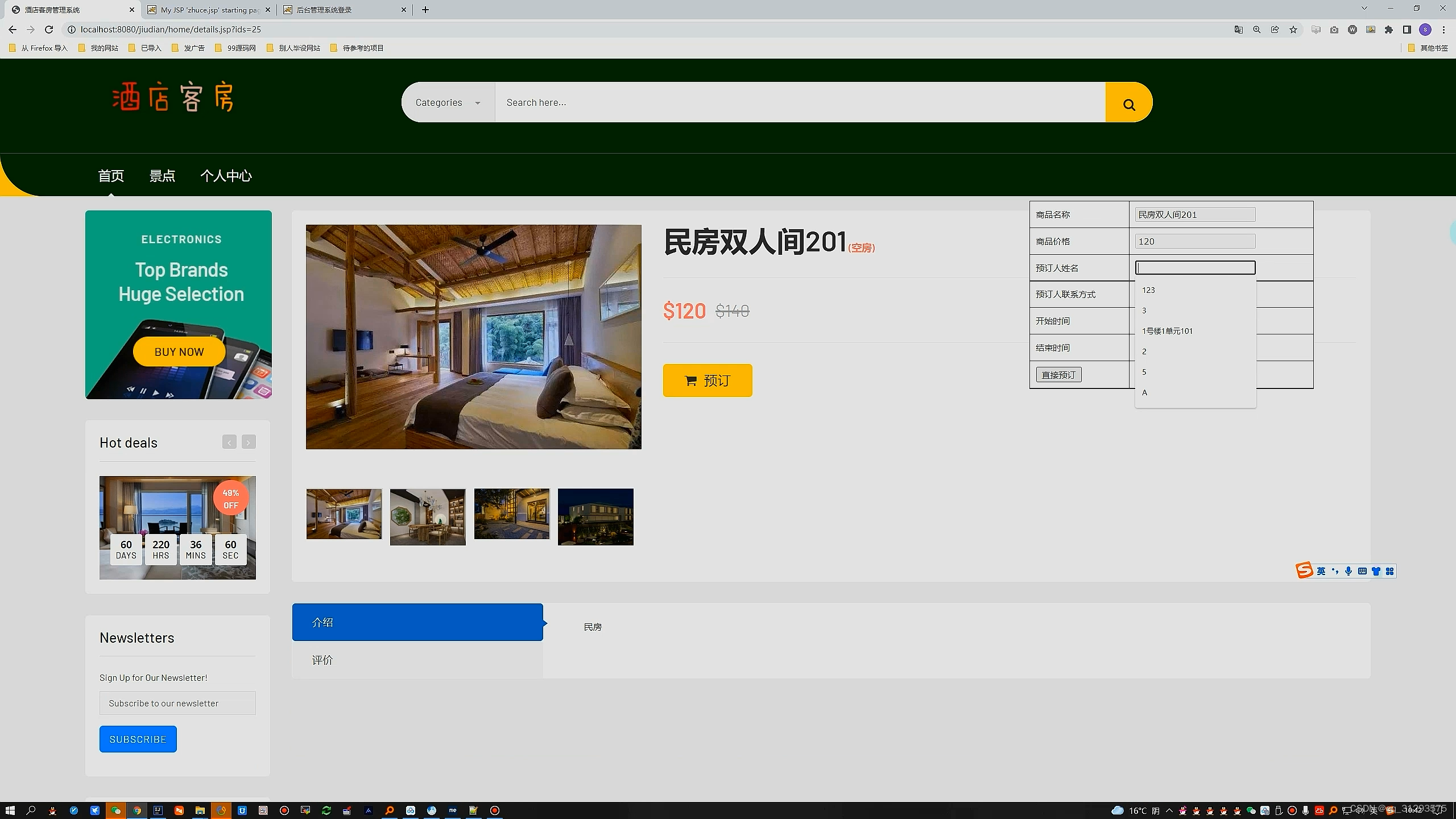
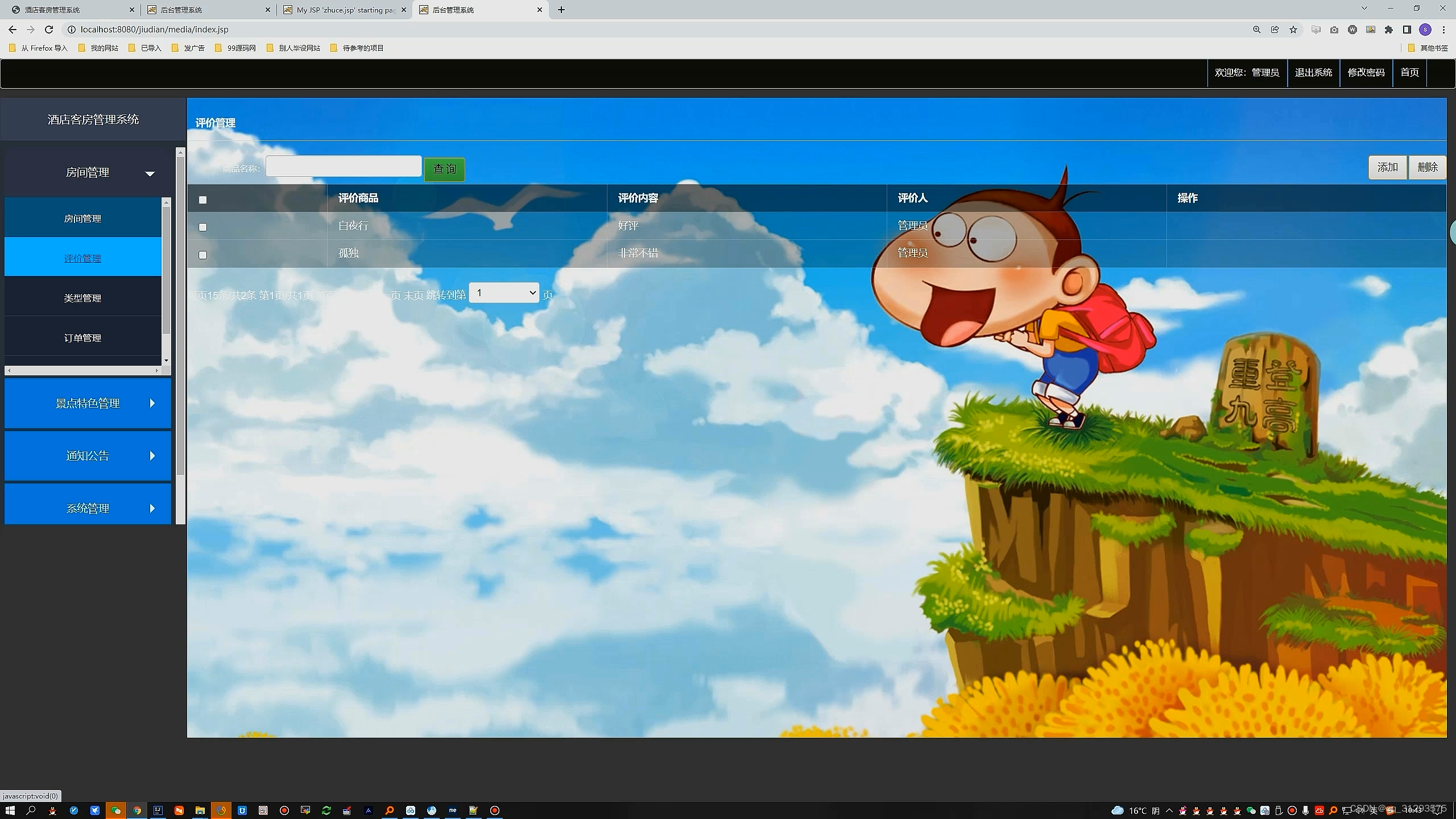
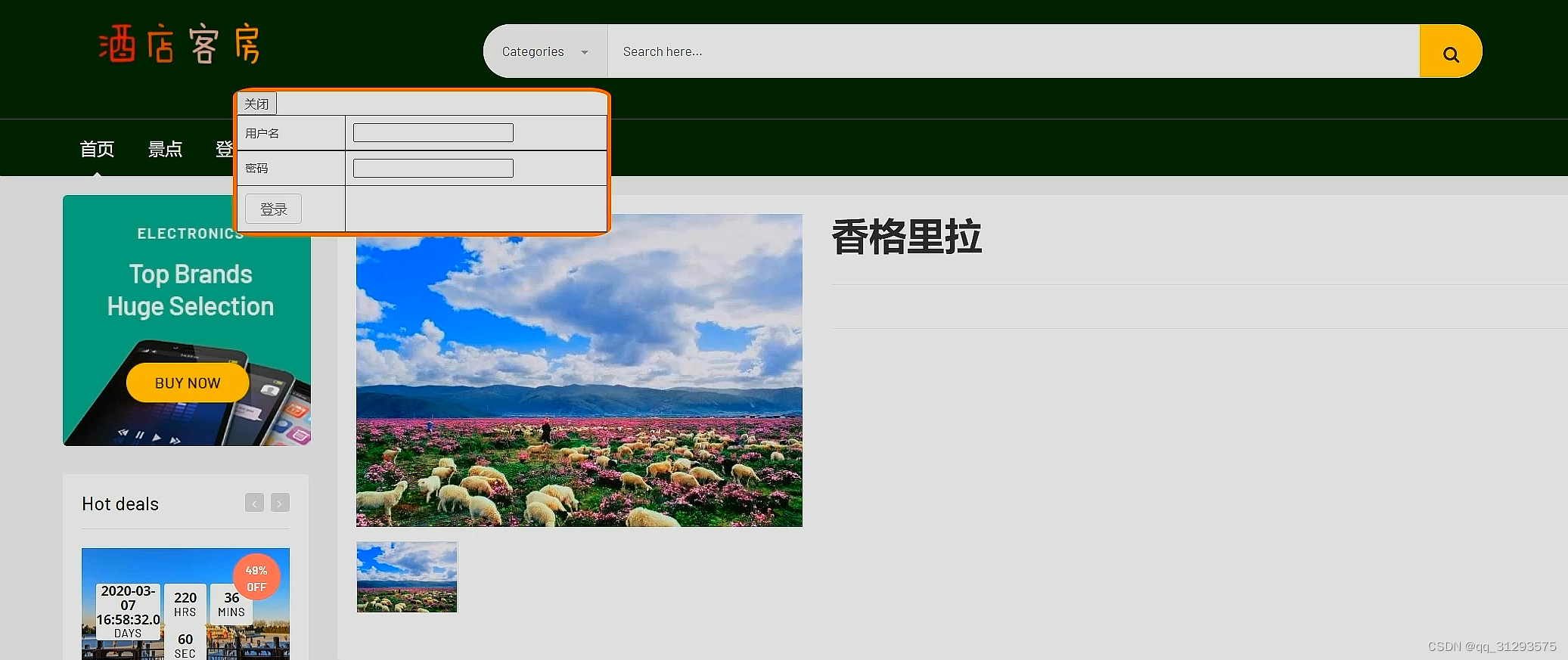
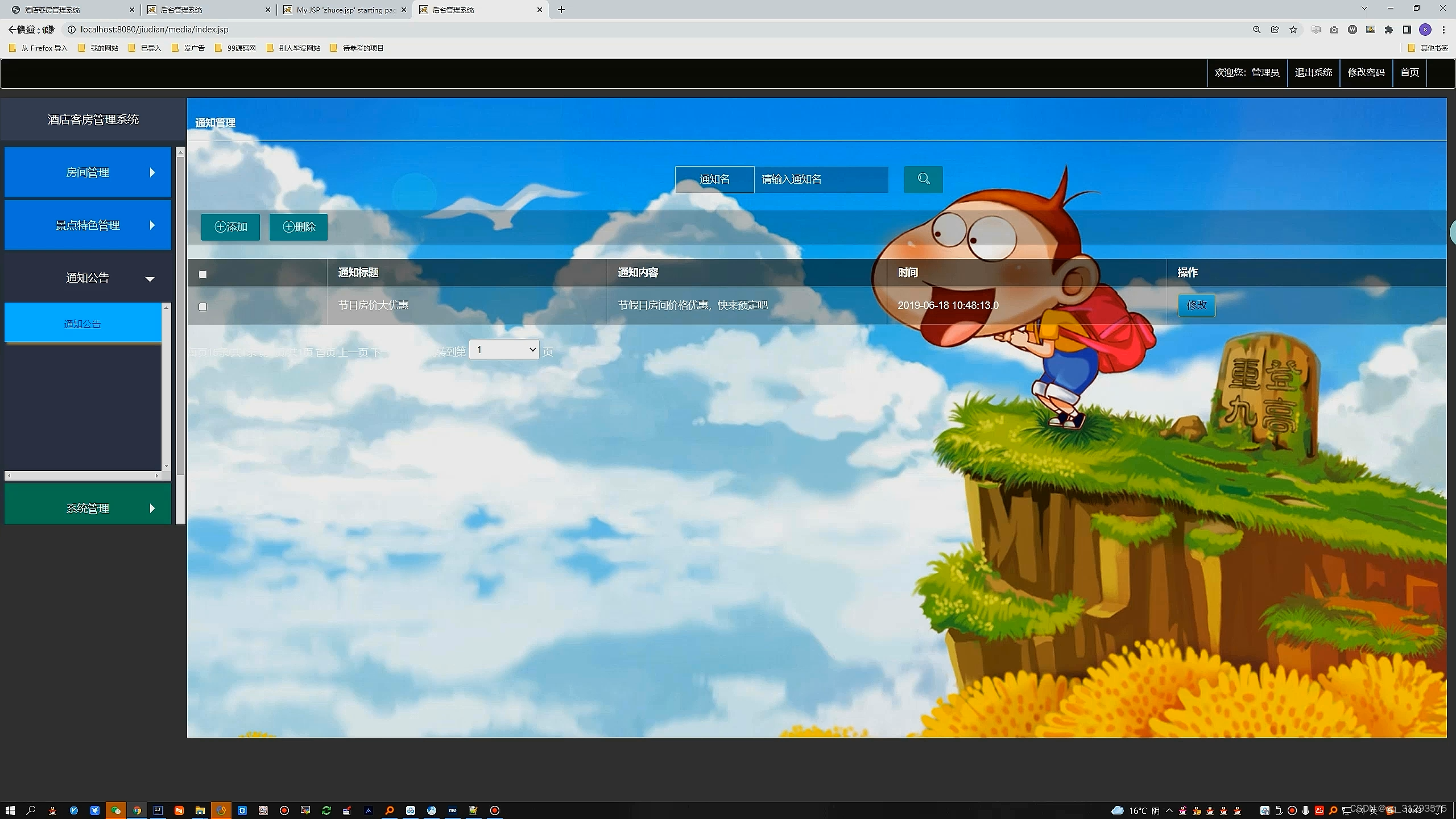
用户管理控制层:
package com.houserss.controller;

import javax.servlet.http.HttpSession;

import org.apache.commons.lang3.StringUtils;
import org.springframework.beans.factory.annotation.Autowired;
import org.springframework.stereotype.Controller;
import org.springframework.web.bind.annotation.RequestMapping;
import org.springframework.web.bind.annotation.RequestMethod;
import org.springframework.web.bind.annotation.RequestParam;
import org.springframework.web.bind.annotation.ResponseBody;

import com.houserss.common.Const;
import com.houserss.common.Const.Role;
import com.houserss.common.ServerResponse;
import com.houserss.pojo.User;
import com.houserss.service.IUserService;
import com.houserss.service.impl.UserServiceImpl;
import com.houserss.util.MD5Util;
import com.houserss.util.TimeUtils;
import com.houserss.vo.DeleteHouseVo;
import com.houserss.vo.PageInfoVo;

/**
 * Created by admin
 */
@Controller
@RequestMapping("/user/")
public class UserController {
    @Autowired
    private IUserService iUserService;

    /**
     * 用户登录
     * @param username
     * @param password
     * @param session
     * @return
     */
    @RequestMapping(value = "login.do",method = RequestMethod.POST)
    @ResponseBody
    public ServerResponse<User> login(User user,String uvcode, HttpSession session){
        String code = (String)session.getAttribute("validationCode");
        if(StringUtils.isNotBlank(code)) {
            if(!code.equalsIgnoreCase(uvcode)) {
                return ServerResponse.createByErrorMessage("验证码不正确");
            }
        }
        ServerResponse<User> response = iUserService.login(user.getUsername(),user.getPassword());
        if(response.isSuccess()){
            session.setAttribute(Const.CURRENT_USER,response.getData());
        }
        return response;
    }


}
管理员管理控制层:
package com.sxl.controller.admin;

import java.util.List;
import java.util.Map;

import javax.servlet.http.HttpServletRequest;

import org.springframework.http.ResponseEntity;
import org.springframework.stereotype.Controller;
import org.springframework.ui.Model;
import org.springframework.web.bind.annotation.RequestMapping;

import com.sxl.controller.MyController;

@Controller("adminController")
@RequestMapping(value = "/admin")
public class AdminController extends MyController {


	@RequestMapping(value = "/index")
	public String frame(Model model, HttpServletRequest request)throws Exception {
		return "/admin/index";
	}

	@RequestMapping(value = "/main")
	public String main(Model model, HttpServletRequest request)throws Exception {
		return "/admin/main";
	}

	@RequestMapping(value = "/tj1")
	public String tj1(Model model, HttpServletRequest request)throws Exception {
		String sql="select DATE_FORMAT(insertDate,'%Y-%m-%d') dates,sum(allPrice) price from t_order order by DATE_FORMAT(insertDate,'%Y-%m-%d')  desc";
		List<Map> list = db.queryForList(sql);
		model.addAttribute("list", list);
		System.out.println(list);
		return "/admin/tj/tj1";
	}


	@RequestMapping(value = "/password")
	public String password(Model model, HttpServletRequest request)throws Exception {
		return "/admin/password";
	}


	@RequestMapping(value = "/changePassword")
	public ResponseEntity<String> loginSave(Model model,HttpServletRequest request,String oldPassword,String newPassword) throws Exception {
		Map admin = getAdmin(request);
		if(oldPassword.equals(admin.get("password").toString())){
			String sql="update t_admin set password=? where id=?";
			db.update(sql, new Object[]{newPassword,admin.get("id")});
			return renderData(true,"1",null);
		}else{
			return renderData(false,"1",null);
		}
	}
}
修改密码业务逻辑:
package com.sxl.controller.admin;

import java.util.Map;

import javax.servlet.http.HttpServletRequest;

import org.springframework.http.ResponseEntity;
import org.springframework.stereotype.Controller;
import org.springframework.ui.Model;
import org.springframework.web.bind.annotation.RequestMapping;

import com.sxl.controller.MyController;

@Controller("userController")
@RequestMapping(value = "/user")
public class UserController extends MyController {


	@RequestMapping(value = "/index")
	public String frame(Model model, HttpServletRequest request)throws Exception {
		return "/user/index";
	}

	@RequestMapping(value = "/main")
	public String main(Model model, HttpServletRequest request)throws Exception {
		return "/user/main";
	}


	@RequestMapping(value = "/password")
	public String password(Model model, HttpServletRequest request)throws Exception {
		return "/user/password";
	}


	@RequestMapping(value = "/changePassword")
	public ResponseEntity<String> loginSave(Model model,HttpServletRequest request,String oldPassword,String newPassword) throws Exception {
		Map user = getUser(request);
		if(oldPassword.equals(user.get("password").toString())){
			String sql="update t_user set password=? where id=?";
			db.update(sql, new Object[]{newPassword,user.get("id")});
			return renderData(true,"1",null);
		}else{
			return renderData(false,"1",null);
		}
	}
	@RequestMapping(value = "/mine")
	public String mine(Model model, HttpServletRequest request)throws Exception {
Map user =getUser(request);Map map = db.queryForMap("select * from t_user where id=?",new Object[]{user.get("id")});model.addAttribute("map", map);		return "/user/mine";
	}


	@RequestMapping(value = "/mineSave")
	public ResponseEntity<String> mineSave(Model model,HttpServletRequest request,Long id
		,String username,String password,String name,String gh,String mobile) throws Exception{
		int result = 0;
			String sql="update t_user set name=?,gh=?,mobile=? where id=?";
			result = db.update(sql, new Object[]{name,gh,mobile,id});
		if(result==1){
			return renderData(true,"操作成功",null);
		}else{
			return renderData(false,"操作失败",null);
		}
	}
	}
通用管理模块:
package com.sxl.controller;


import java.nio.charset.Charset;
import java.util.Locale;
import java.util.ResourceBundle;

import javax.servlet.http.HttpServletRequest;

import org.apache.commons.lang.StringUtils;
import org.springframework.beans.factory.annotation.Autowired;
import org.springframework.http.HttpHeaders;
import org.springframework.http.HttpStatus;
import org.springframework.http.MediaType;
import org.springframework.http.ResponseEntity;

import com.sxl.util.JacksonJsonUtil;
import com.sxl.util.StringUtil;
import com.sxl.util.SystemProperties;


public class BaseController {
	public static final Long EXPIRES_IN = 1000 * 3600 * 24 * 1L;// 1天

	@Autowired
	private SystemProperties systemProperties;

	/**
	 * 获得配置文件内容
	 */
	public String getConfig(String key) {
		return systemProperties.getProperties(key);
	}

	/**
	 * 返回服务器地址 like http://192.168.1.1:8441/UUBean/
	 */
	public String getHostUrl(HttpServletRequest request) {
		String hostName = request.getServerName();
		Integer hostPort = request.getServerPort();
		String path = request.getContextPath();

		if (hostPort == 80) {
			return "http://" + hostName + path + "/";
		} else {
			return "http://" + hostName + ":" + hostPort + path + "/";
		}
	}

	/***
	 * 获取当前的website路径 String
	 */
	public static String getWebSite(HttpServletRequest request) {
		String returnUrl = request.getScheme() + "://"
				+ request.getServerName();

		if (request.getServerPort() != 80) {
			returnUrl += ":" + request.getServerPort();
		}

		returnUrl += request.getContextPath();

		return returnUrl;
	}


	/**
	 * 初始化HTTP头.
	 *
	 * @return HttpHeaders
	 */
	public HttpHeaders initHttpHeaders() {
		HttpHeaders headers = new HttpHeaders();
		MediaType mediaType = new MediaType("text", "html",
				Charset.forName("utf-8"));
		headers.setContentType(mediaType);
		return headers;
	}

	/**
	 * 返回 信息数据
	 *
	 * @param status
	 * @param msg
	 * @return
	 */
	public ResponseEntity<String> renderMsg(Boolean status, String msg) {
		if (StringUtils.isEmpty(msg)) {
			msg = "";
		}
		String str = "{\"status\":\"" + status + "\",\"msg\":\"" + msg + "\"}";
		ResponseEntity<String> responseEntity = new ResponseEntity<String>(str,
				initHttpHeaders(), HttpStatus.OK);
		return responseEntity;
	}

	/**
	 * 返回obj数据
	 *
	 * @param status
	 * @param msg
	 * @param obj
	 * @return
	 */
	public ResponseEntity<String> renderData(Boolean status, String msg,
			Object obj) {
		if (StringUtils.isEmpty(msg)) {
			msg = "";
		}
		StringBuffer sb = new StringBuffer();
		sb.append("{");
		sb.append("\"status\":\"" + status + "\",\"msg\":\"" + msg + "\",");
		sb.append("\"data\":" + JacksonJsonUtil.toJson(obj) + "");
		sb.append("}");

		ResponseEntity<String> responseEntity = new ResponseEntity<String>(
				sb.toString(), initHttpHeaders(), HttpStatus.OK);
		return responseEntity;
	}


	/***
	 * 获取IP(如果是多级代理,则得到的是一串IP值)
	 */
	public static String getIpAddr(HttpServletRequest request) {
		String ip = request.getHeader("x-forwarded-for");
		if (ip == null || ip.length() == 0 || "unknown".equalsIgnoreCase(ip)) {
			ip = request.getHeader("Proxy-Client-IP");
		}

		if (ip == null || ip.length() == 0 || "unknown".equalsIgnoreCase(ip)) {
			ip = request.getHeader("WL-Proxy-Client-IP");
		}

		if (ip == null || ip.length() == 0 || "unknown".equalsIgnoreCase(ip)) {
			ip = request.getRemoteAddr();
		}

		if (ip != null && ip.length() > 0) {
			String[] ips = ip.split(",");
			for (int i = 0; i < ips.length; i++) {
				if (!"unknown".equalsIgnoreCase(ips[i])) {
					ip = ips[i];
					break;
				}
			}
		}

		return ip;
	}

	/**
	 * 国际化获得语言内容
	 *
	 * @param key
	 *            语言key
	 * @param args
	 * @param argsSplit
	 * @param defaultMessage
	 * @param locale
	 * @return
	 */
	public static String getLanguage(String key, String args, String argsSplit,
			String defaultMessage, String locale) {
		String language = "zh";
		String contry = "cn";
		String returnValue = defaultMessage;

		if (!StringUtil.isEmpty(locale)) {
			try {
				String[] localeArray = locale.split("_");
				language = localeArray[0];
				contry = localeArray[1];
			} catch (Exception e) {
			}
		}

		try {
			ResourceBundle resource = ResourceBundle.getBundle("lang.resource",
					new Locale(language, contry));
			returnValue = resource.getString(key);
			if (!StringUtil.isEmpty(args)) {
				String[] argsArray = args.split(argsSplit);
				for (int i = 0; i < argsArray.length; i++) {
					returnValue = returnValue.replace("{" + i + "}",
							argsArray[i]);
				}
			}
		} catch (Exception e) {
		}

		return returnValue;
	}
}

信息系统项目管理师自考笔记
李明 · 1015人在学

python从0到1:期货量化交易系统(CTP实战,高频及合成K线数据
王先生 · 23141人在学
手把手搭建Java超市管理系统【附源码】(毕设)
汤小洋 · 4331人在学
Java毕设springboot外卖点餐系统 毕业设计毕设源码 使用教
黄菊华 · 857人在学
基于SSM酒店管理系统(毕设)
小尼老师 · 925人在学
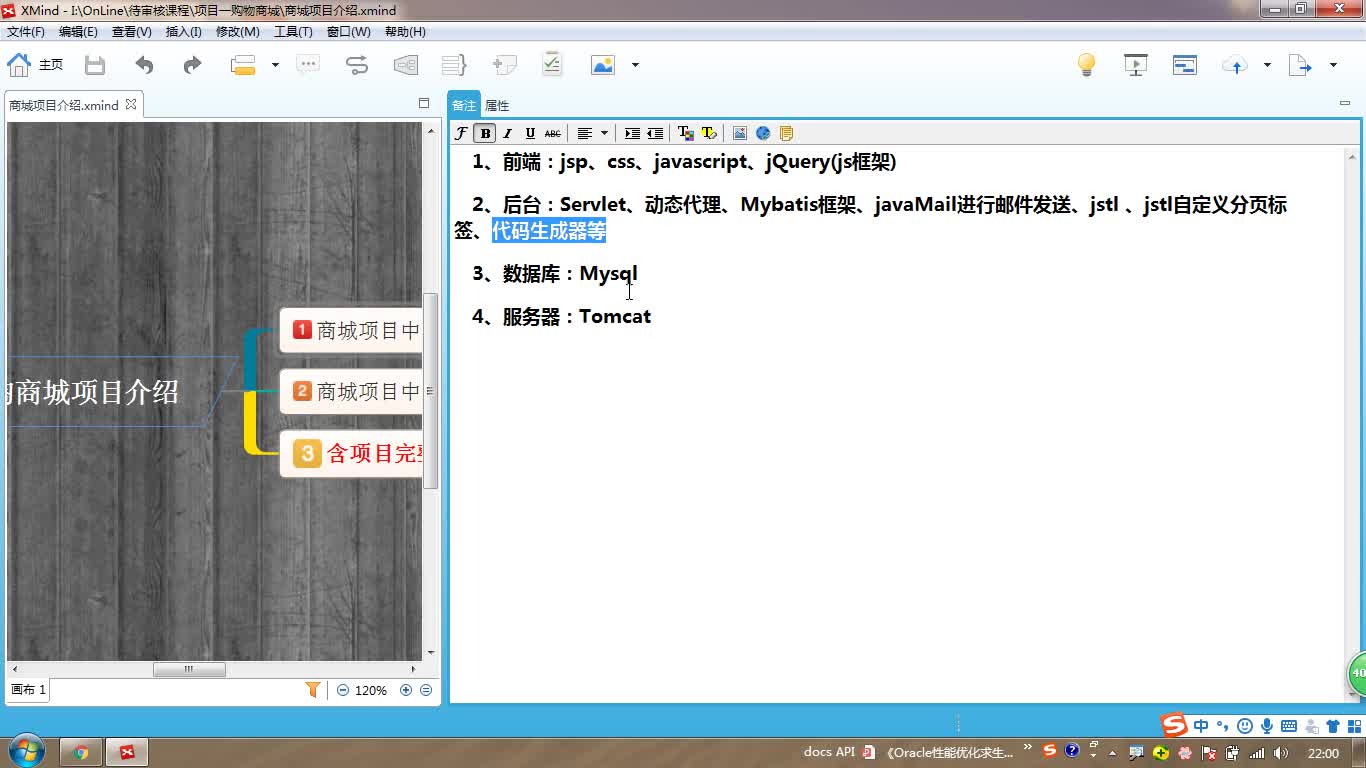
java项目实战之购物商城(java毕业设计)
Long · 5225人在学
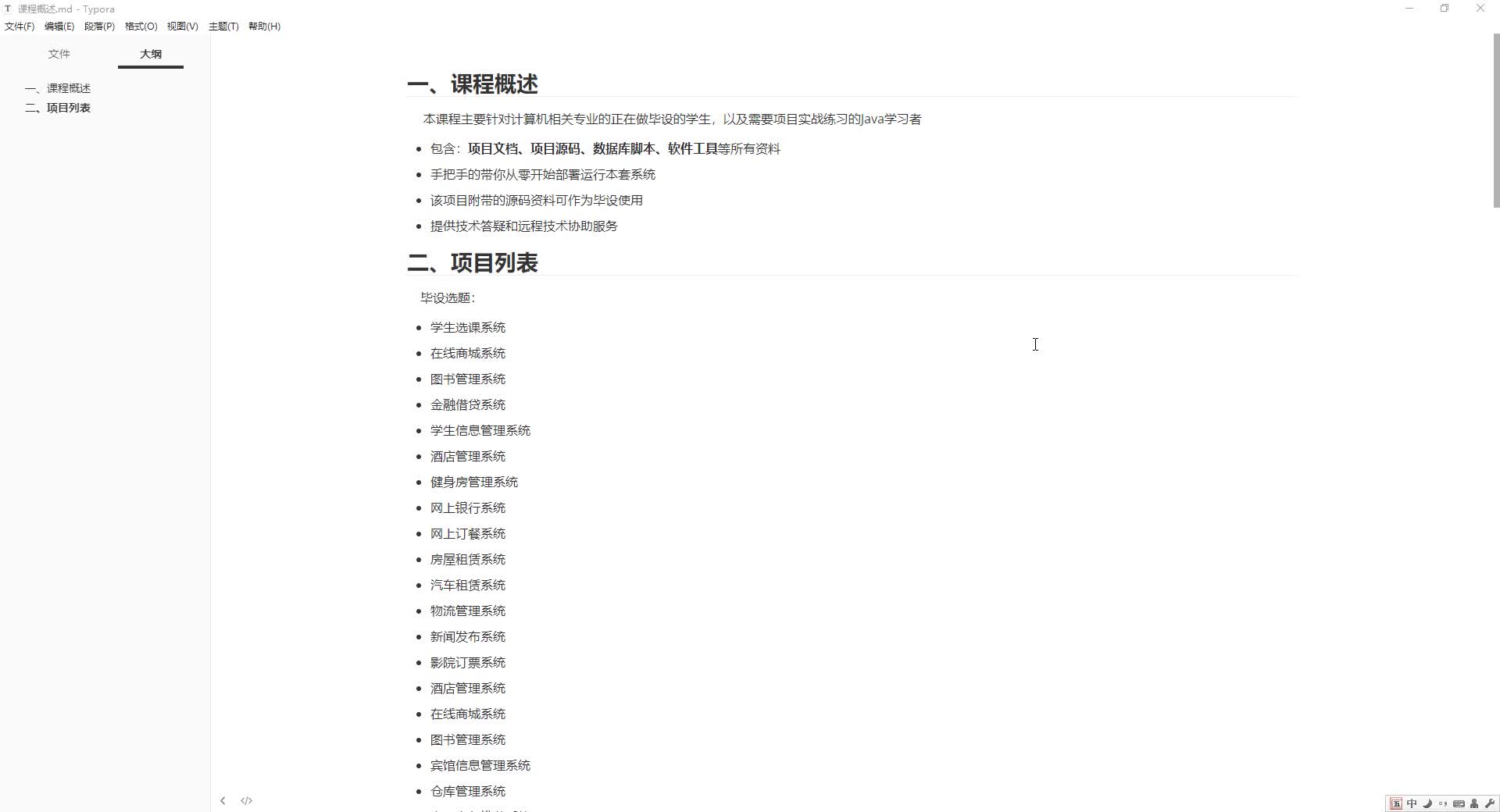
手把手搭建Java求职招聘系统【附源码】(毕设)
汤小洋 · 1547人在学
Python Django 深度学习 小程序
钟翔 · 2447人在学

城管局门前三包管理系统+微信小程序(vue+springboot)
赖国荣 · 730人在学
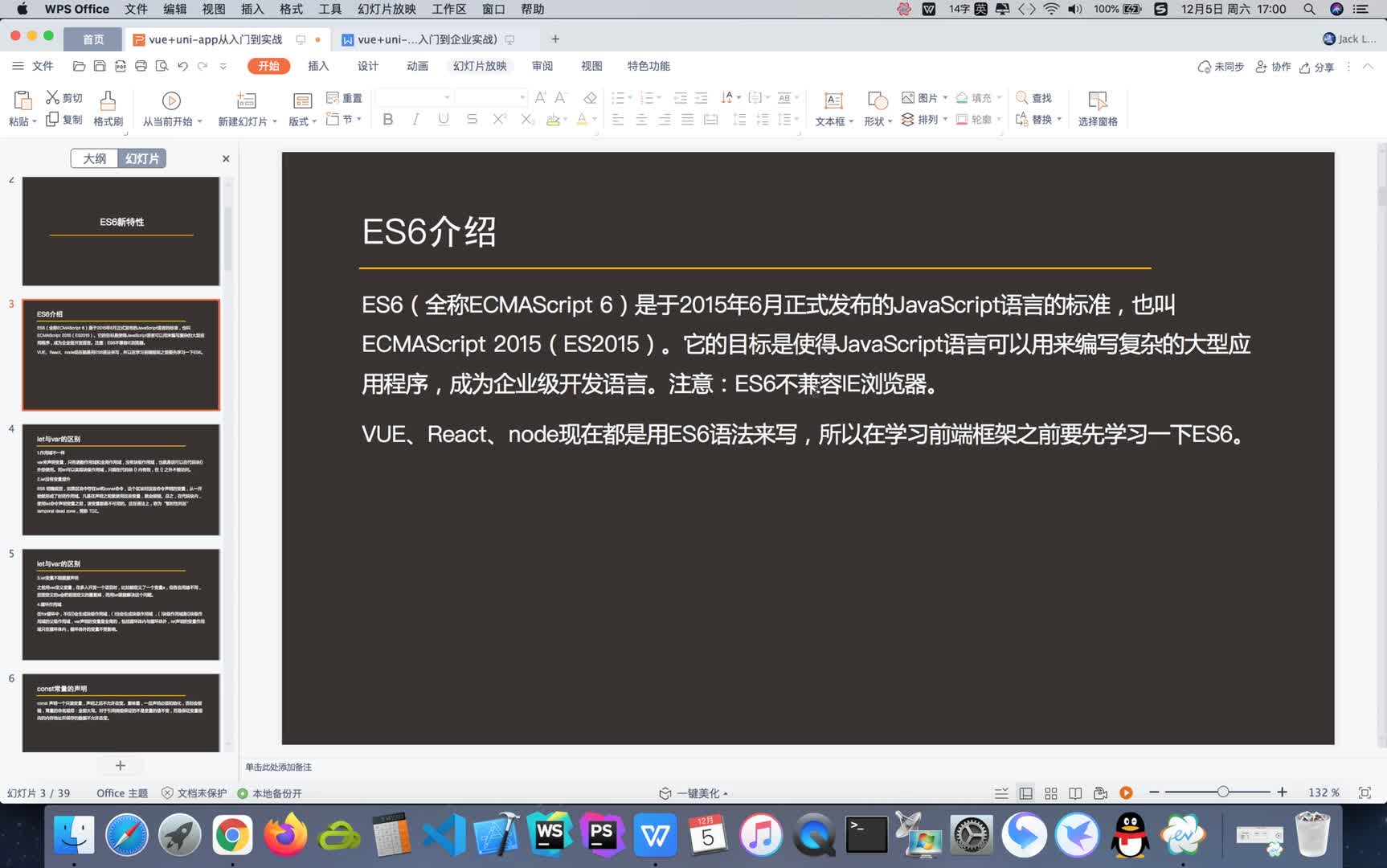
Vue+Uni-app(uniapp)入门与实战+赠送仿美团点餐小程序
李杰 · 4118人在学